Manage Your School’s Lunch Program with Ease 

From ordering and reporting to fundraising and communication, Lunchbox helps you run a seamless lunch program all year long.

LEARN MORE
Lunchbox Portal Video

See Lunchbox in Action

Watch how easy it is to manage orders, menus, and reporting through the Lunchbox portal. 

Everything You Need to Run Your Program 

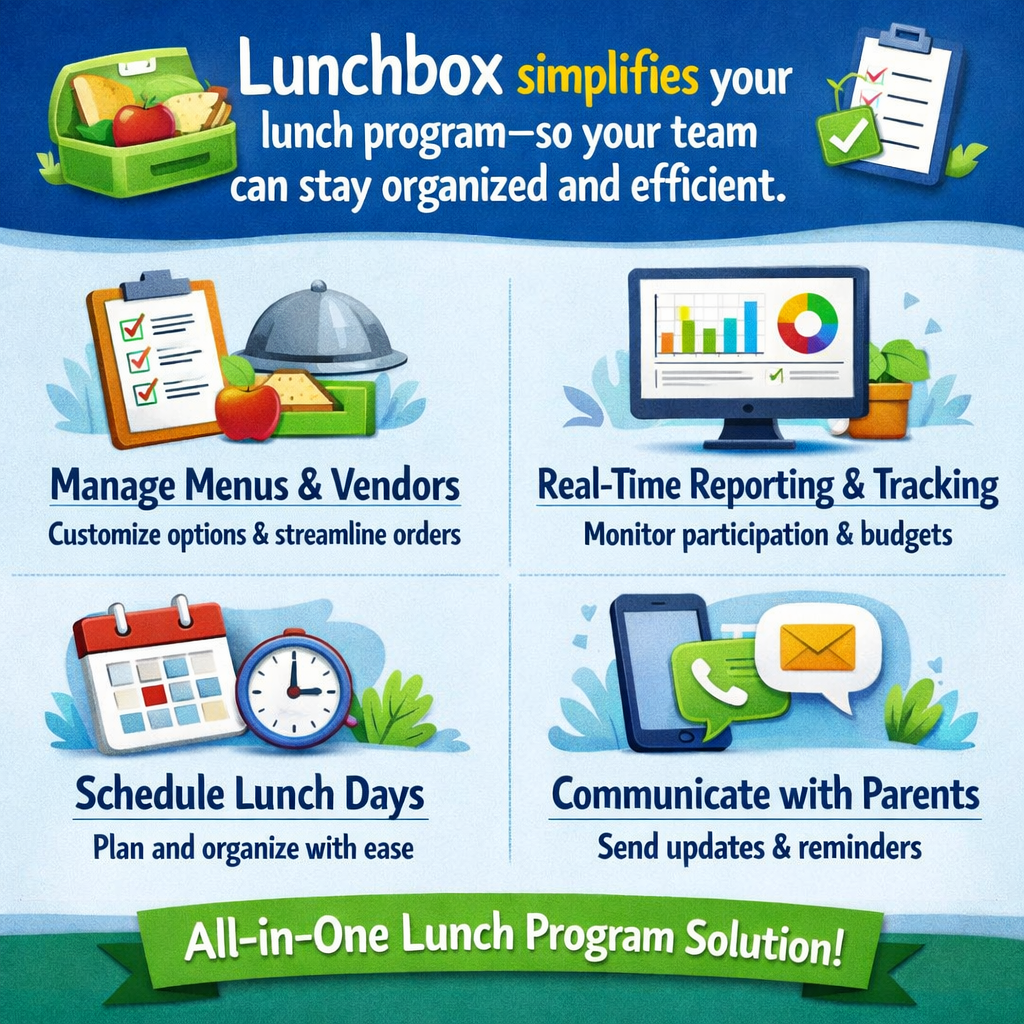
Lunchbox simplifies every step of your lunch program—from setup to reporting—so your team can stay organized and efficient. 

  • 📝 Manage menus and vendors
  • 📊 Access real-time reporting and tracking
  • 📅 Schedule lunch days with ease
  • 📢 Communicate with parents clearly
Lunchbox Streamlines Team Lunch Coordination and Communication
Fundraising with Every Order

Every lunch order contributes directly to your school, helping you raise funds effortlessly through your existing program.

Clear Reporting and Tracking

Easily track your fundraising progress with clear, real-time reporting and insights at your fingertips.

Supports School Programs and Initiatives

Use your fundraising to support school programs, events, and initiatives that benefit your students and community. 

No Additional Admin Work

Fundraising is seamlessly built into your Lunchbox program, saving staff and volunteers time while maximizing impact. 

Maximize Your Fundraising with Add-A-Day

Add additional lunch days to increase participation and boost your school’s fundraising potential. The Add-A-Day program makes it easy to expand your offering without added complexity.

ADD A DAY NOW!
STEP 1

Notify Your Vendor (by 8:00 AM)

  • Contact your food vendor by 8:00 AM via phone and/or email
  • If you reach voicemail, leave a clear message and follow up with an email for confirmation.
STEP 2

Notify Lunchbox (by 8:00 AM)

  • Use the “High Priority Cancellation” feature in the Lunchbox Portal (preferred method)
    • ⚠️ Only use this option for cancellations — it will automatically cancel and credit orders
  • If you don’t have portal access, email us immediately at schoollunch@kevgroup.com with: ❄️ Snow Day Cancellation – [School Name and Date]


STEP 3

If You’re Rescheduling

  • Confirm a new date directly with your vendor
  • Email us once the new date is confirmed so we can: 
    • Prevent automatic credits
    • Notify families of the updated schedule 
  • ⏱️ Credit Timing: Once a cancellation is confirmed, credits are issued within 48 hours. 


⏰Late or Missing Lunch Items 

We know how busy lunch periods can be—here’s the best way to handle any issues:

  • 🔍 First, check all classroom bags—items are often grouped together
  • 📞 If something is still missing or incorrect, contact your vendor directly as soon as possible
  • ⚡ Direct communication helps ensure the fastest resolution and minimizes disruption to your lunch period

 💬 Need extra help?
Our team is always here to support you if needed, but reaching out to your vendor is the quickest first step. 

Bring Lunchbox to your School

Looking to simplify your lunch program and streamline fundraising? Lunchbox makes it easy for schools to manage orders, support families, and save time. 

👉 GET LUNCHBOX AT YOUR SCHOOL
NEED HELP?

Our dedicated team is here to make managing your child’s school lunch orders simple and stress-free!

Just log in to your SchoolCash Online or Lunchbox account for the latest info. If you have any questions, we’re here for you!

Give the Lunchbox team a call at 1-877-426-6860 or send us an email at schoollunch@kevgroup.com- we’re happy to help!